Product & Design
Designing Products People Enjoy Using
Good product design makes the next step clear, keeps context visible, and supports recovery from mistakes.

Enjoyable software does not need constant animation or elaborate surfaces. Often it is the product that lets someone finish a task without stopping to interpret the interface. Clear language, predictable controls, and attention to different devices make that experience possible.
Keep the next action understandable
A button label should explain the action it performs. “Choose a time” is clearer in a booking flow than a generic “Next” when the visitor still needs to understand the journey. Show the important context close to the action.
For a product page, keep the selected size or material visible when the user changes a quantity. This reduces the effort needed to check that the action applies to the intended item.
Design for mistakes and interruptions
Forms need more than a clean empty state. Explain errors beside the relevant field, preserve valid answers, and tell the user what needs attention. Avoid clearing a long form because one value needs correction.
A multi-step flow should allow people to review an earlier answer without losing later information. This is especially important on mobile, where interruptions and small viewports make context easier to lose.
A useful error message helps someone recover; it does not merely announce that a rule was broken.
Build accessibility into ordinary decisions
Use real links for navigation and buttons for actions. Give fields visible labels and make keyboard focus easy to see. These choices improve predictability without requiring a separate visual design.
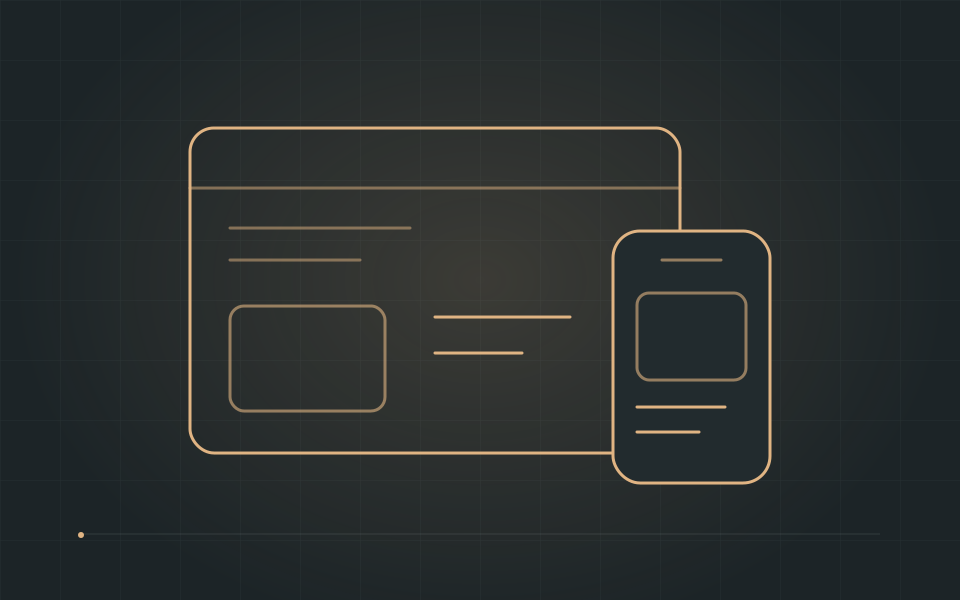
Check the layout with longer text, zoom, keyboard navigation, and reduced motion. A responsive interface adapts the order and density of information, rather than shrinking every desktop element until it fits.
- Use readable labels and clear focus states.
- Preserve context between steps.
- Test the task on a narrow viewport.
Review the task, not only the screen
Watch someone complete a real task from beginning to end. Notice where they hesitate, repeat a step, or look for confirmation. Small observations often lead to more useful changes than a general request to make a screen feel modern.
Consistency helps people transfer what they have learned from one part of a product to another. Keep improving the patterns that support the task, and let decoration remain in service of that experience.
Good Software Starts with Understanding the Problem
Back