Browser workspaces
Provide shared access to records and workflows without requiring a desktop installation for every user.
 Get started
We build custom software and specialized tools for a wide range of tasks, from browser-based applications to installable desktop and mobile software. Each solution is designed around its purpose, users, and operating environment.
A useful internal tool may need a browser, a desktop window, a phone, or more than one of them. The starting point is the workflow: who enters information, what must happen next, and which device is available. We design specialized software around those practical conditions and connect it to the systems the team already uses.
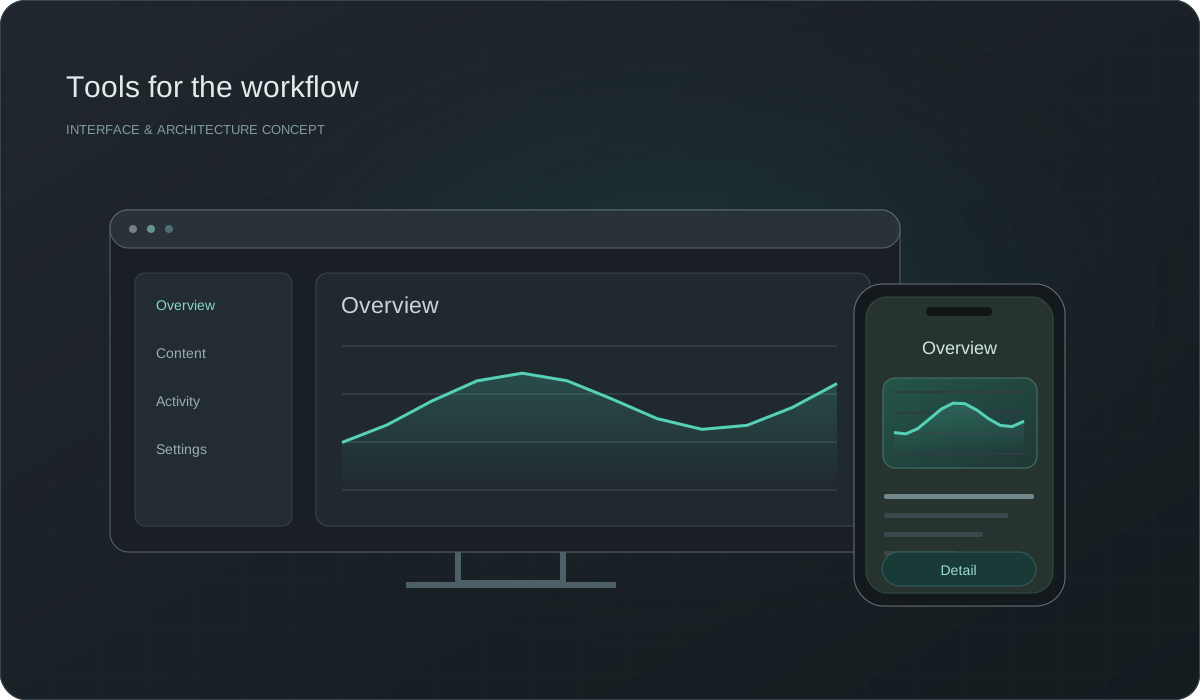
Provide shared access to records and workflows without requiring a desktop installation for every user.
Support file operations, specialized input, local processing, and tasks that benefit from operating-system integration.
Let people record and retrieve information where the work happens, with device permissions and connectivity taken into account.
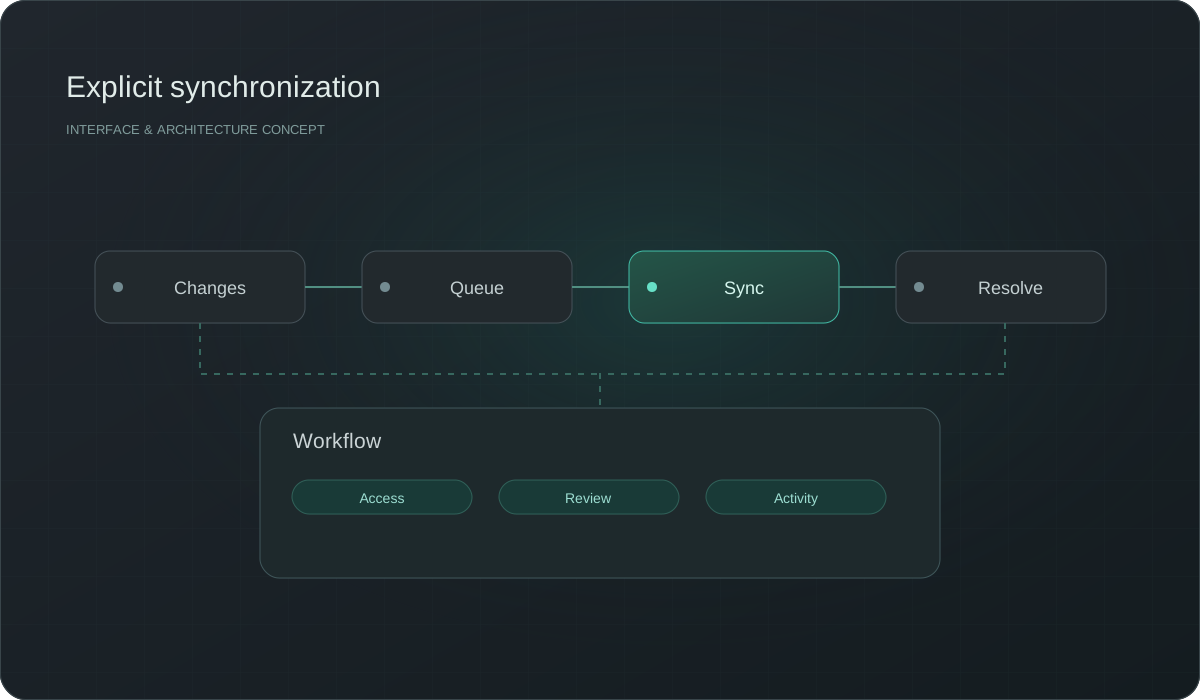
Share identity, data, and business rules across tools through explicit APIs and synchronization policies.
A hypothetical inspection team may need mobile capture and a browser review queue, while an engineering utility may need direct file access on a desktop. We compare these needs before choosing a technology. Native and cross-platform approaches are assessed against device integration, user expectations, and future maintenance.
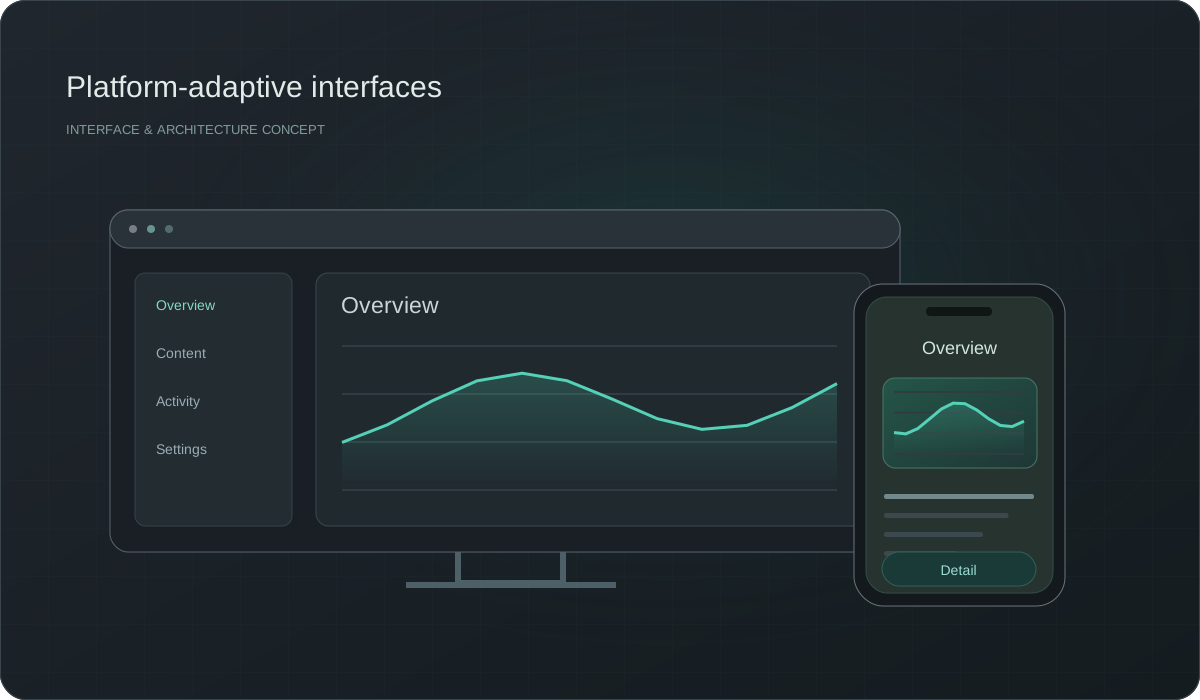
When several tools use the same records, ownership and synchronization must be explicit. We define the source of truth, permission checks, conflict handling, and visible loading or failure states. This keeps a local edit from silently becoming a different business record in another interface.
Platform decisions become clearer when tested against a real task.
Map inputs, decisions, exceptions, and the devices used at each point.
Test offline work, file access, permissions, or synchronization before expanding the interface.
Define how people receive updates and who maintains each application and shared service.
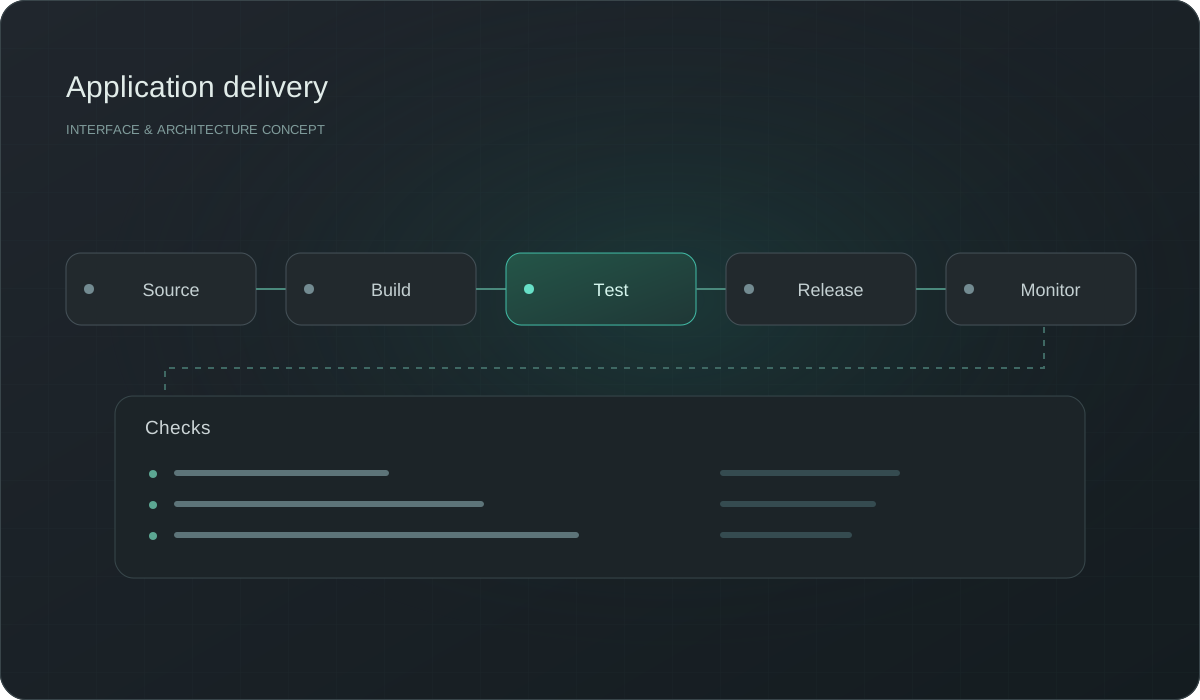
Build around the actual task and device constraints.
Keep data rules shared across the interfaces that use them.
Leave clear boundaries for adding another platform later.
Consider access, device features, connectivity, distribution, and the work itself. A combined approach can be appropriate when different roles need different interfaces.
Yes. A focused tool with a clear input and output can be valuable without becoming a large platform. Its integrations and maintenance still need planning.
We review formats, ownership, quality, and access interfaces. Migration or integration is planned with validation and a clear source of truth.
They can share identity and terminology while adapting controls and navigation to each device. Consistency should support the task rather than force a desktop layout onto a phone.
Have an idea, a question, or a challenge to solve? Tell us what you need, and we'll help you find the right starting point.
Tell us what you have in mind. You can reach our team directly by email.
We'll take time to understand your needs, discuss the possibilities, and work out what makes sense for your project.
Tell us about your idea, your challenge, or your next project. We’ll help you find the right way forward.